Comprehensive Guide to Map Series for Unity: Choosing Map Assets Based on Your Desired Game Environment
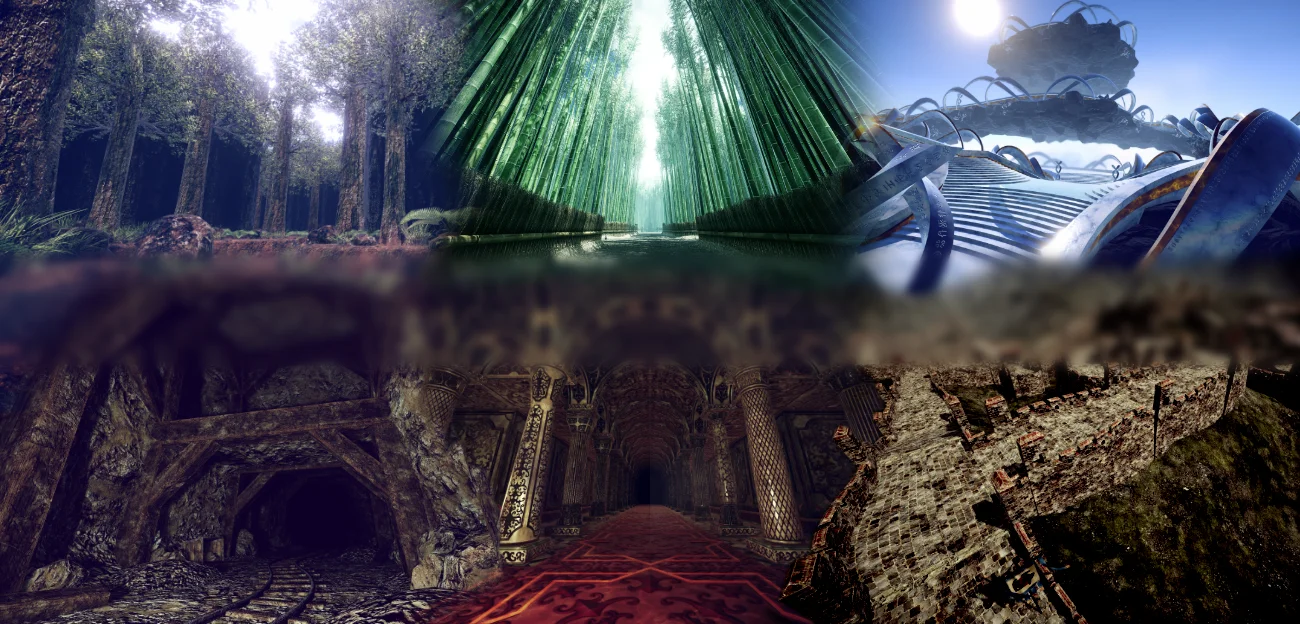
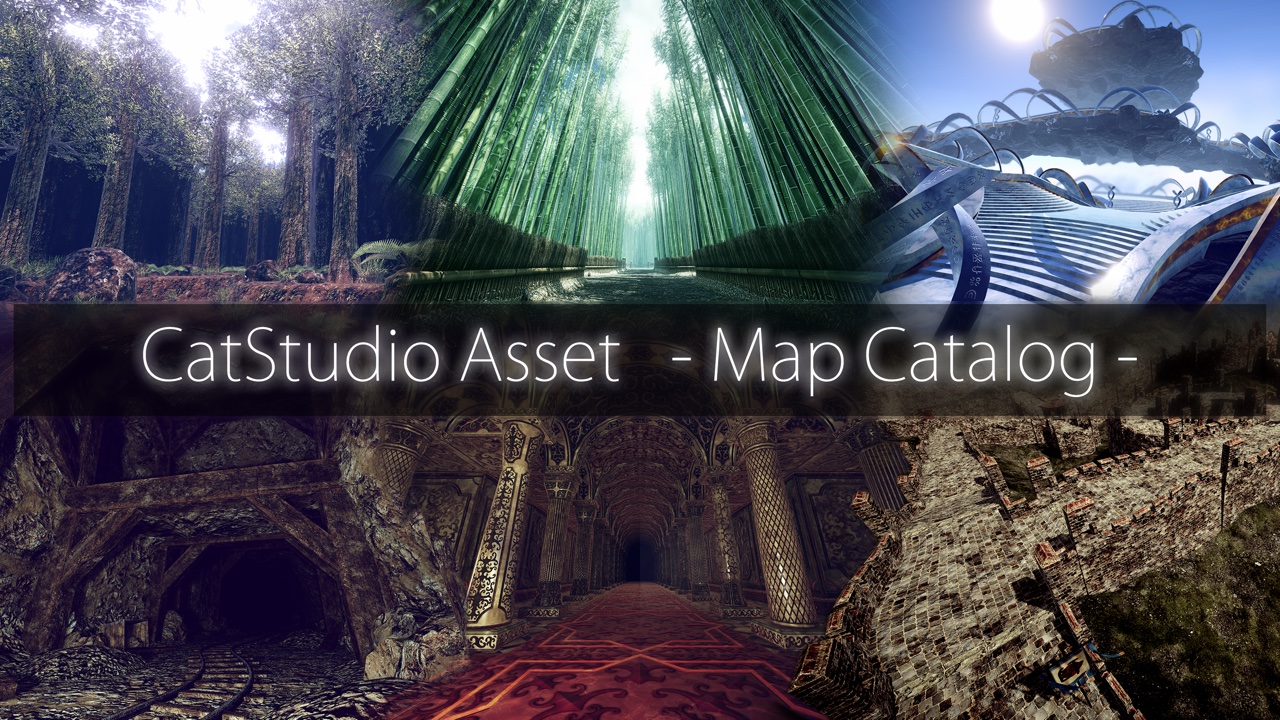
Creating 3D game maps in Unity—including terrain, corridors, and rooms—from scratch is a time-consuming process. The “Map Series” of Unity assets by Cat Studio allows you to build environments by placing and combining pre-made map-part Prefabs directly into your scene.
In this article, we categorize the Map Series 1 and Map Series 2 lineups based on the types of environments you wish to create. Look for options that align with the themes of the scenes you are planning—such as caves, forests, underground facilities, fantastical spaces, or sci-fi settings.
What is the Map Series?
The Map Series is a collection of assets designed for building 3D game environments by combining various map components. The official website provides instructions on how to place these prefabs into a Unity scene. Since the map components come with built-in collision, they are intended not only for creating backgrounds but also for gameplay scenarios involving the movement of characters or vehicles.
Each product includes 3D models and textures tailored to its specific theme. On the product page, you can view a gallery, videos, a WebGL demo, and the manual. As the included content and system requirements vary by product and version, please be sure to check the individual product page and the latest information on the Unity Asset Store before making a purchase.
Differences between Map Series 1 and 2
Both systems share the same fundamental concept: constructing maps by placing prefabs. According to the official comparison, Series 1 primarily relies on dedicated parts designed for specific orientations—0, 90, 180, and 270 degrees. In contrast, Series 2 allows individual parts to be rotated in 90-degree increments, supporting configurations that include slopes, multi-level crossings, and variations in elevation.
| Comparison items | Map Series 1 | Map Series 2 |
|---|---|---|
| Basic configuration | Combining Prefabs | Combining Prefabs |
| Entrance/exit, passageway, gate, room | Supported | Supported |
| Slope / Grade separation | Not supported | Supported |
| Rotational arrangement | The focus is on specialized parts for rotational components. | Rotate and place in 90-degree increments |
| For free review | Grid Map for FREE | Grid Map 2 for FREE |
Rather than choosing solely based on the product series, it is easier to make a selection if you first narrow down the type of environment or theme you want to create, and then check the elevation differences and layout options.
Choose based on the environment you want to create
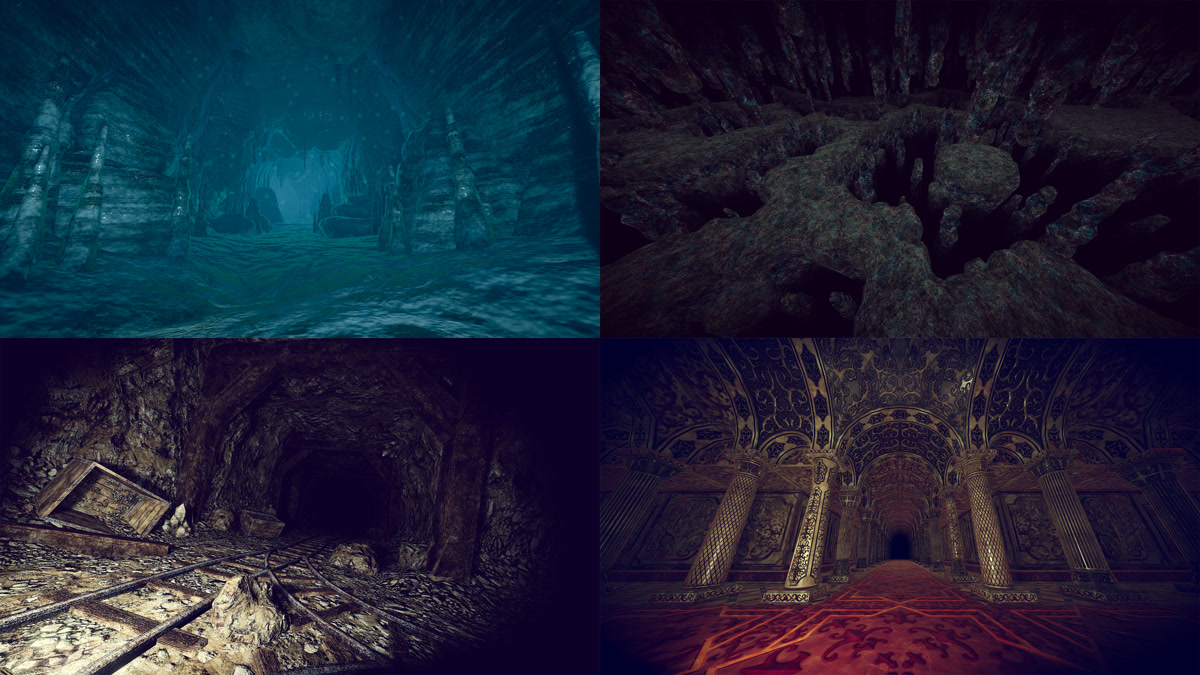
I want to create caves or underground spaces.
When focusing on a cave or underground theme, you can categorize your options based on whether you want to create a natural cavern, a deep vertical space, an artificial tunnel, or an underground structure.
| Product | Series | Suitable environment |
|---|---|---|
| Cave Map | 1 | Natural caves and exploration-based dungeons |
| Bottomless Cave Map | 1 | A cave with no visible bottom, or a space that conveys a sense of significant elevation change. |
| Stone Road Map | 1 | Stone underground passage |
| Mining Tunnel | 2 | Mining tunnels and man-made underground facilities |
| Underground Palace | 2 | An architectural space reminiscent of an underground palace or ancient ruins |
Since cave-like environments often serve similar purposes, it is best to compare them not just by their appearance, but also by factors such as required passage width, elevation differences, the presence of man-made structures, and the intended gameplay.
I want to create fantastical locations or distinctive settings.
When focusing on a cave or underground theme, you can categorize your options based on whether you want to create a natural cavern, a deep vertical space, an artificial tunnel, or an underground structure.
| Products | Series | Suitable environment |
|---|---|---|
| Heavenly Gardens | 2 | An ethereal space featuring a garden in the sky and a design that makes creative use of varying elevations. |
| Lava Map | 1 | Lava zones or high-temperature dungeons |
| Great Dragon Wall | 2 | Long walls and passageways inspired by the Great Wall of China |
want to create a sci-fi, futuristic space.
Cyber Tube Map is a product designed for building sci-fi-themed maps featuring a network of cybernetic tubes. It is an ideal choice if you wish to create mechanical passageways and futuristic spaces, rather than natural terrain or fantasy-style architecture.
Full Product Lineup
| Series | Products | Theme |
|---|---|---|
| 1 | Cyber Tube Map | Cyber / Sci-Fi style |
| 1 | Bottomless Cave Map | Bottomless Cave |
| 1 | Lava Map | Lava zone |
| 1 | Stone Road Map | Stone underground passage |
| 1 | Bamboo Road Map | Bamboo Path |
| 1 | Wave Canyon Map | Undulating canyon |
| 1 | Cave Map | Cave |
| 1 | Forest Map | Forest |
| 1 | Grid Map for FREE | For free review |
| 2 | Heavenly Gardens | Garden in the Sky |
| 2 | Great Dragon Wall | Great Wall-style |
| 2 | Underground Palace | Palace |
| 2 | Mining Tunnel | mining shaft |
| 2 | Sad Forest | A Melancholy Forest |
| 2 | Grid Map 2 for FREE | For free review |
Check using the free Grid Map before purchasing
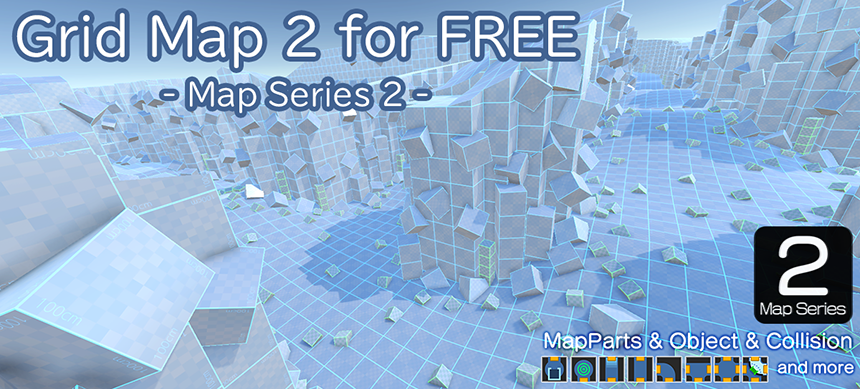
The Map Series includes free assets that can be used for testing: “Grid Map for FREE” for Series 1, and “Grid Map 2 for FREE” for Series 2. According to the official website, these can be used to verify collisions, as well as to plan the placement and control of characters or vehicles.
If you are using Map Series for the first time, or if you would like to get a feel for how it works using one of your own projects, please try the free version first.
Points to check when making a selection
- Whether the theme of the environment you wish to create aligns with the product’s examples or gallery.
- Can you create the structures necessary for gameplay, such as corridors, rooms, slopes, and variations in elevation?
- Is it compatible with the version of Unity and the render pipeline you are using?
- Does it include the necessary assets, such as models, prefabs, textures, LODs, and colliders?
- Can I preview the controls and visual appearance beforehand using WebGL demos, videos, or the free Grid Map?
Details such as supported Unity versions, pricing, content quantity, and render pipelines are subject to change. Please do not rely solely on the information provided in this article; instead, check the product page and the Unity Asset Store for the most up-to-date information at the time of purchase or integration.
View the products in the Map Series
Images, videos, demos, manuals, and detailed specifications for each product can be found on the following series page.
Map Series 1 Lineup
Map Series 2 Lineup
Start by selecting a product that closely matches the environment you wish to create, and explore it via the gallery or demos. If you would like to test how the products in this series operate, you can begin with the free Grid Map.

2 comments