Experience Unity Asset maps in VR! Introducing “CatStudio Asset – Map Catalog” for Meta Quest
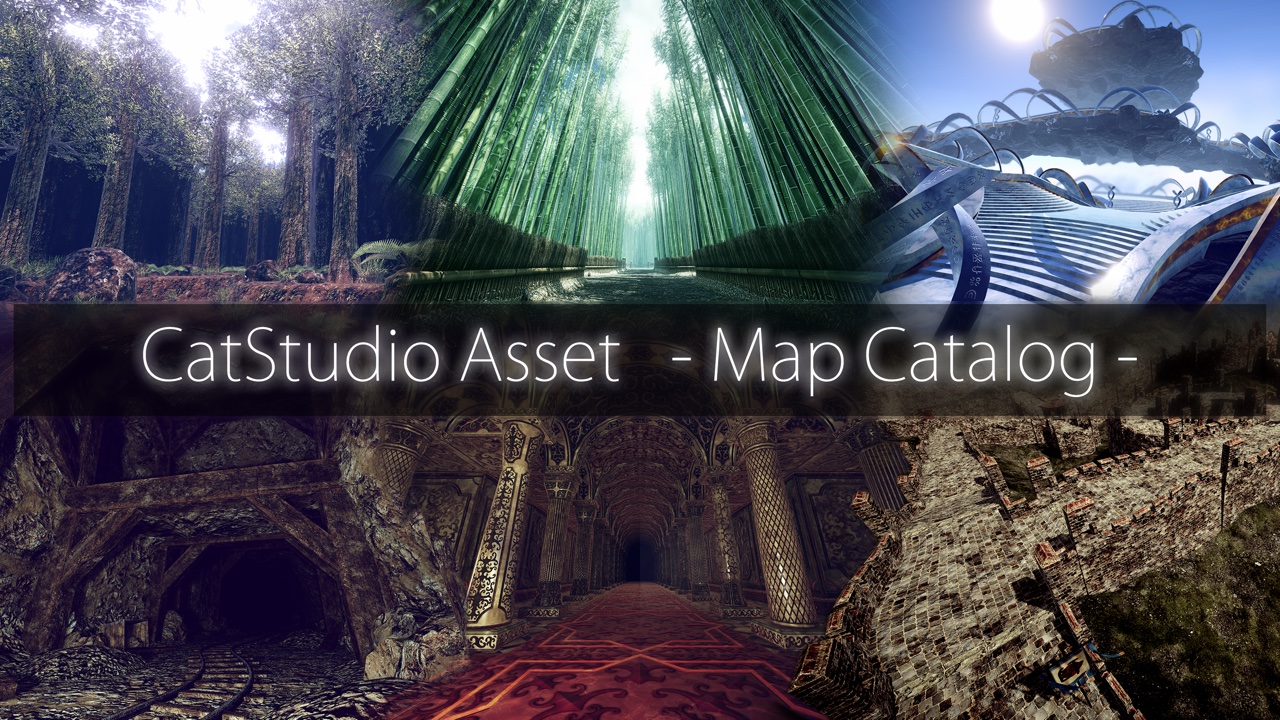
3D maps used in the development of games and VR content—have you ever looked at a screenshot or a video and wondered, “What would it actually feel like to step into this space?”
CatStudio has released “CatStudio Asset – Map Catalog” an app for Meta Quest that allows users to experience the world of the “Map Series” Unity assets in VR.
In this app, you can freely explore all 15 maps created by Cat Studio within a VR environment.
This app allows users—whether they are developers considering the use of Unity assets, or simply individuals interested in 3D environments and VR content—to experience the atmosphere of the map’s world.
▶ CatStudio Asset – Map Catalog Page
What is CatStudio Asset – Map Catalog?
“CatStudio Asset – Map Catalog” is a VR viewer app designed for experiencing 3D maps—part of CatStudio’s “Map Series” of Unity assets—on the Meta Quest.
Typically, when searching for maps on the Unity Asset Store, you likely rely on screenshots or promotional videos.
However, images and videos alone may not always be sufficient to grasp the size of a building, the width of its passageways, or the overall scale of the space.
In this app, you can stand within the map and look around from your own perspective, allowing you to gauge the scale and atmosphere of the space.
The appeal of 3D maps—revealed only through VR
1. Experience the space at full scale
In the VR environment, you can view the map from an eye-level height corresponding to a person 170 cm tall.
This allows you to experience the scale of the space—such as building heights, road widths, and distances to surrounding objects—which is often difficult to gauge from flat, 2D images.
When creating games or VR content in Unity, this can also serve as a useful reference for understanding how the map appears from the player’s perspective.
2. Check the lighting and the atmosphere of the space
One of the elements that significantly influences the impression of a 3D map is lighting.
In this app, you can stand within the map to observe how light enters, how shadows are rendered, and the overall atmosphere of the space.
Additionally, you can adjust settings such as the light angle and shadow quality via the Options menu.
※ In-app image quality has been adjusted to ensure smooth performance on Meta Quest. As a result, the visuals may appear different from how they look when using Unity Assets on a PC or other platforms.
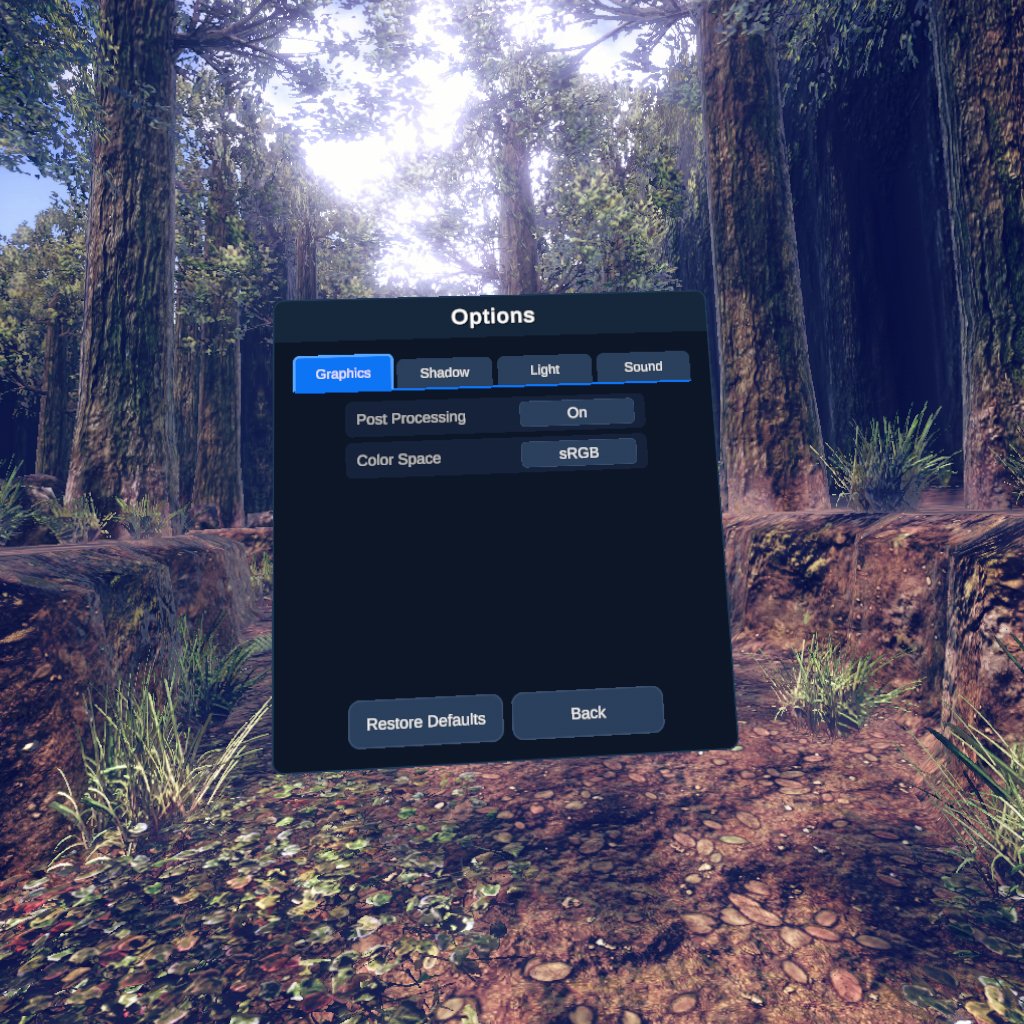
3. Choose a map that catches your eye and explore it freely.
In the app, you first select a series, and then choose the map you would like to experience.
Use the sticks on the Meta Quest controllers to move around.
From the menu within the map, you can travel to the starting point or return to the map selection screen.
You can switch between different maps of interest and compare their respective worlds.
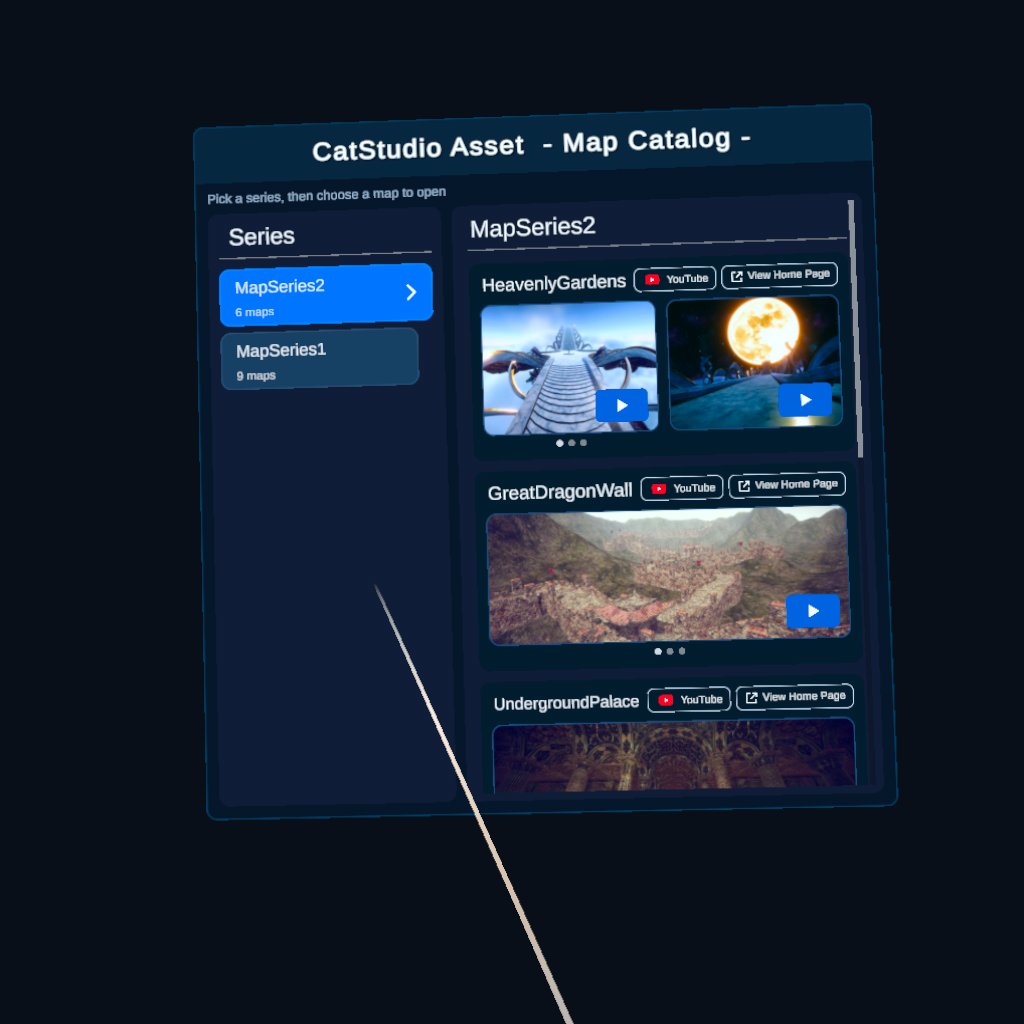
Includes 15 different maps in total
“CatStudio Asset – Map Catalog” contains a total of 15 maps, including those available on the Unity Asset Store as well as a free-to-download Grid Map.
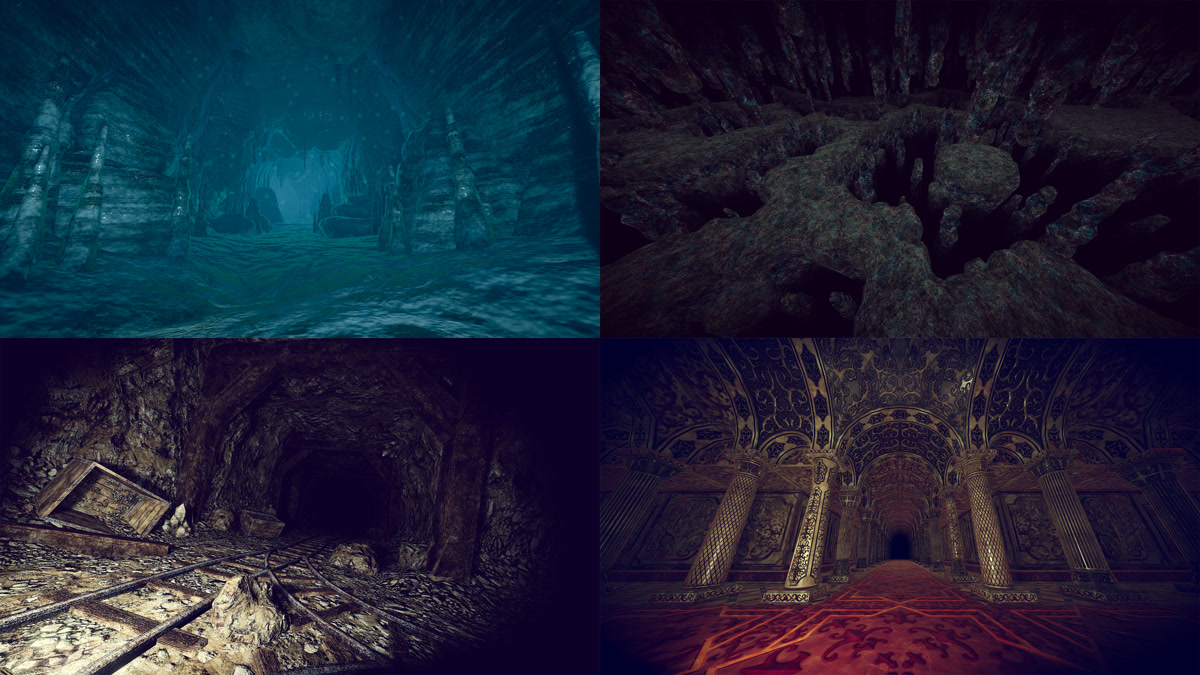
Map Series 2
- Heavenly Gardens
- Great Dragon Wall
- Underground Palace
- Mining Tunnel
- Sad Forest
- Grid Map 2 for FREE
Map Series 1
- Forest Map
- Cave Map
- Wave Canyon Map
- Bamboo Road Map
- Stone Road Map
- Lava Map
- Cyber Tube Map
- Bottomless Cave Map
- Grid Map For FREE
You can experience a wide variety of worlds in VR—from nature-themed environments to caves, underground spaces, and maps inspired by science fiction. For more details on any specific map, you can access its dedicated information page directly from within the app.
For maps that include an introductory video, you can also view a YouTube video.
Also useful for evaluating the adoption of Unity assets
This application is especially recommended for developers who create games or 3D content using Unity.
For example, it can be used for the following purposes:
- Check the scale of the map:Gauge the size of buildings and terrain from the character’s perspective.
- Comparison of worldviews:Explore multiple maps to find an atmosphere that suits the game currently in development.
- Reference for spatial composition:Check the layout of paths and terrain while actually moving through the area.
- Unity Asset選定の参考:Reference for selecting Unity assets
Please use this as a way to understand the spatial characteristics of the map before importing it into your Unity project.
Please note that this application serves as a viewer intended for VR experiences; it does not replicate the operating environment or display quality of the Unity Asset itself.
Supported environments for the app
The supported environments for “CatStudio Asset – Map Catalog” are as follows:
| item | Content |
|---|---|
| Supported platforms | Meta Quest 3 |
| Stores | Meta Horizon Store |
| Operation | Meta Quest Contorller |
| Playstyle | Sitting / Standing positions |
| Supported languages | English |
| Internet connection | Generally unnecessary |
The app works even when offline. However, an internet connection is required to open individual map introduction pages or YouTube videos from within the app.
Also, it does not support hand tracking.
If you are not accustomed to movement in VR, you may experience motion sickness. If you begin to feel unwell, please stop using the device and take a break.
Experience the world of the map on Meta Quest!
Exploring a map from a Unity asset by actually entering the space allows for discoveries that you wouldn’t find through images or videos alone.
In “CatStudio Asset – Map Catalog,” you can experience all 15 maps from the CatStudio Map Series from a perspective unique to VR.
Please feel free to try it out—whether for selecting maps for game development or simply for enjoying the atmosphere of a 3D environment.
▶ CatStudio Asset – Map Catalog Page
▶ View apps in the Meta Horizon Store
※ The link to the Meta Horizon Store leads to the store’s home page. Please access the individual app’s page via the official product page.


Post Comment